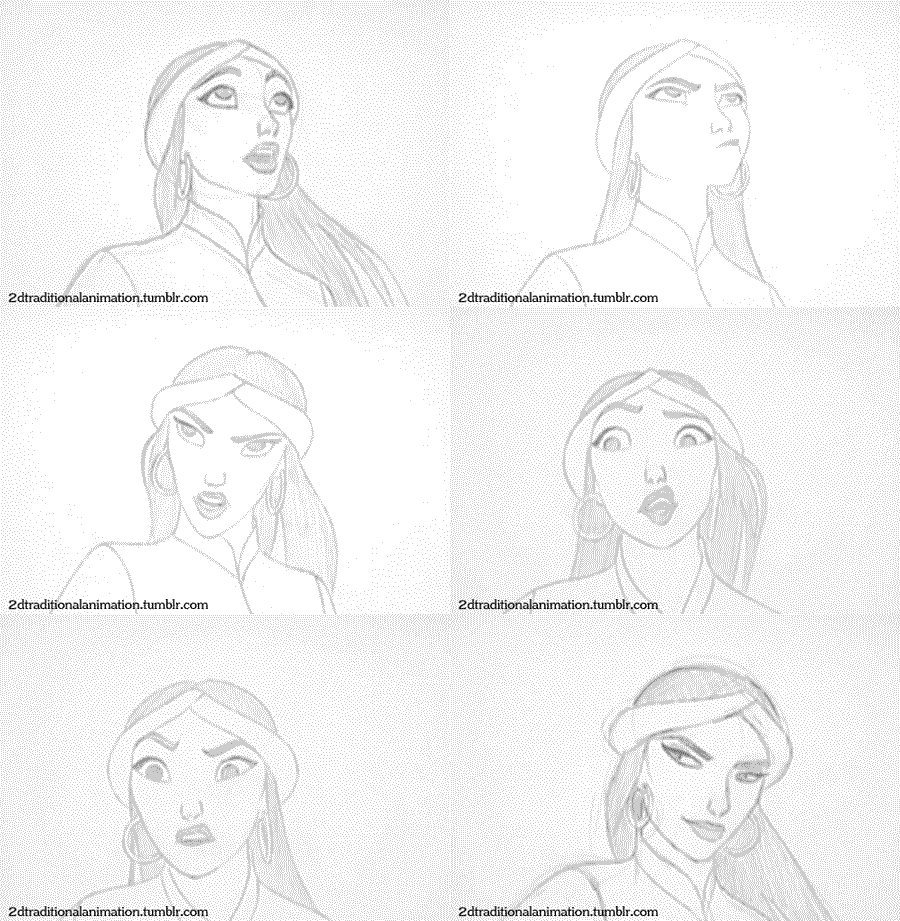
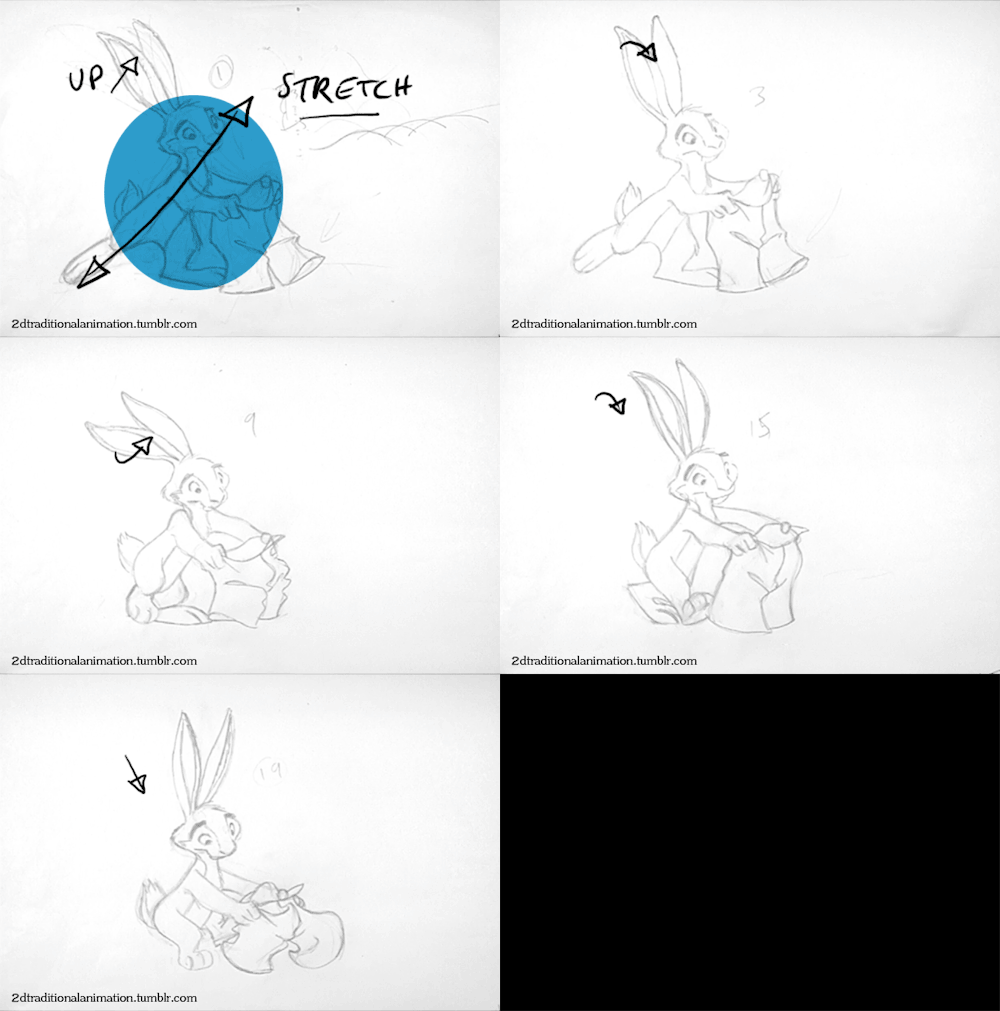
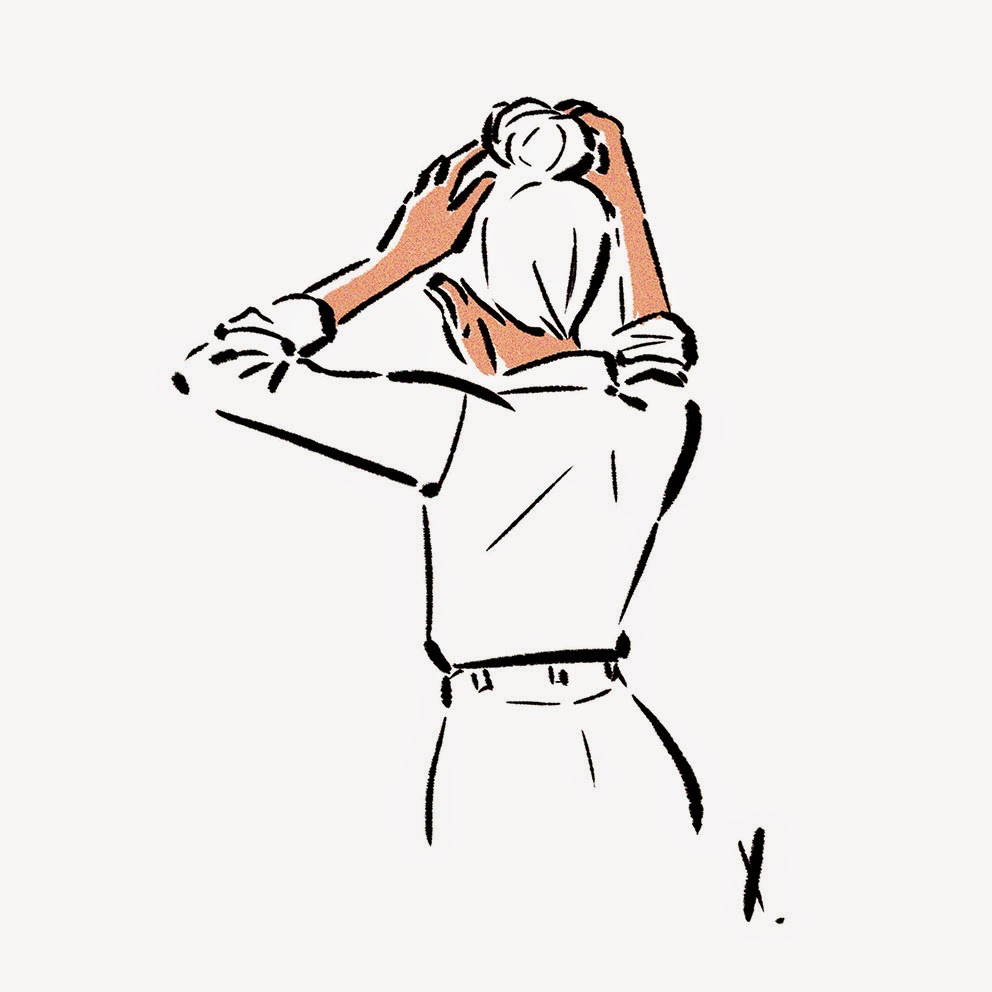
My last animation job on this great commercial.
Directed by CRCR
Design by McBess
My work.
Deezer Animation from Xavier Ramonède on Vimeo.
lundi, janvier 21, 2013
lundi, novembre 26, 2012
lundi, septembre 10, 2012
vendredi, août 31, 2012
AWAAAAAAAY
There's 3 explanations in this picture about why I no longer post:
1- I'm married since the beginning of august
2- I'm in New York ever since
3- I brought an old computer and a wacom tablet to work on my short film project
But I'll be back in Paris in few days and I'll try to post more :)
And few pictures.
1- I'm married since the beginning of august
2- I'm in New York ever since
3- I brought an old computer and a wacom tablet to work on my short film project
But I'll be back in Paris in few days and I'll try to post more :)
And few pictures.
lundi, juillet 23, 2012
2D Traditionnal Animation Tumblr
That's it, the indiegogo campaign is over! The first goal hasn't been reached but I'm very happy of the result. A lot of people really liked the project, so I'm more motivated than ever. I can't wait to start animation.
To celebrate the beginning of the production I've created a tumblr about 2D traditionnal animation, enjoy !
vendredi, juillet 20, 2012
FINAL COUNTDOWN
There's only 40 hours left if you want to help me fund my film project There's something in the house.
Go on the INDIEGOGO PAGE NOW !!!!
If you can't give money, don't hesitate to share around you, on your blog or facebook page.
Thanks a lot guys ! I hope you like those last researches.
Go on the INDIEGOGO PAGE NOW !!!!
If you can't give money, don't hesitate to share around you, on your blog or facebook page.
Thanks a lot guys ! I hope you like those last researches.
mercredi, juillet 18, 2012
samedi, juillet 14, 2012
It's almost over !!
There's only one week left to help me fund my short film project There's something in the house !!!
Here's a layout from on of the first scene of the film, please go on this PAGE if you want this film to happen !
lundi, juillet 09, 2012
There's something in the house: Character designs
Sorry for the lack of news those last days but I'm spending all my time planning my wedding the next 4th of august. I'd never imagined how much work it was !
Here are the researches and the final designs of the two main characters of my short film project There's something in the house.
If you want to help me and if you want to know more about the project, go visite my INDIEGOGO page ! And spread around you, thanks guys.
And some character dev.
Here are the researches and the final designs of the two main characters of my short film project There's something in the house.
If you want to help me and if you want to know more about the project, go visite my INDIEGOGO page ! And spread around you, thanks guys.
And some character dev.
vendredi, juin 22, 2012
Colors Script
If you want to know more about it and you want to help me fund my project, go on my Indiegogo page and spreed it around you. There's a lot of nice rewards for the funders !
lundi, juin 11, 2012
TISITH: Animation test
My short film project There's something in the house fund campaign is now launched on Indiegogo .
If you want to know more about this film and help me you can participate and help fund or just like the page and share it all around you ! Thank you guys.
GO GO ON INDIEGOGO TO HELP ME !
www.indiegogo.com/somethinginthehouse
So here is an animation and render test for the project:
If you want to know more about this film and help me you can participate and help fund or just like the page and share it all around you ! Thank you guys.
GO GO ON INDIEGOGO TO HELP ME !
www.indiegogo.com/somethinginthehouse
So here is an animation and render test for the project:
mercredi, juin 06, 2012
There's something in the house !
Hi guys! I'm happy to introduce you to my short film project called There's something in the house.
If you want to know more about it, go to the Indiegogo page .
If you like the project and you want to be part of it, check the rewards, they might interest you! Depending on how generous you're, you can earn DVDs, drawings, animations and even an animation class. Don't forget to like the page and share it around you, if I have a lot of pageviews I'll have more chance to fund the film. Thanks!
If you want to know more about it, go to the Indiegogo page .
If you like the project and you want to be part of it, check the rewards, they might interest you! Depending on how generous you're, you can earn DVDs, drawings, animations and even an animation class. Don't forget to like the page and share it around you, if I have a lot of pageviews I'll have more chance to fund the film. Thanks!
lundi, juin 04, 2012
mardi, mai 08, 2012
Naked Beauty 4: Step by step
For the ones who are interested on how I work, here is a step by step of how I've done my last illustration.
I always use photoshop CS3 and a Cintiq 21UX. I can't tell you exactly wich brush I use, it's just a random one I time to time change in the Shape window (it's always better when you try to find your own brush you really like).
Because of my poor skills in english, I'll explain only the important parts, you'll find more details the layers (I use a french Photoshop and name my layers in french too, sorry guys).
1. I start with the rough drawing, no need to do it too very precise.
2. I start with the skin (here I use two different layers, one for the back arm and one for the rest).
3. Then I add layers for the shadows.
5. Then I make a new folder for the face and I make every detail on a different layer (it's easier if you have to change something).
6. I had highlights and shadows on the hair and shoes.
7. I make the last details and correct few things.
8. I make selections to had halos and shadows on the skin. At this stage, I spend a lot of time playing with the layer modes and oppacity to find the perfect match.
9. I use the gradiant tool to make a subtle color effect.
10. And once again I look for the best mode and oppacity to have the best effect.
11. I select the "light" areas and put a little bit of light in it with the levels.
12. I do the same with the shadows.
13. I make a subtle highlight on the background.
15. I add noise on a new white layer for the background, and the I play with the mode and oppacity.
16. Then I do the same just for the girl, to have the perfect amount of noise on the image.
17. Et voilà !
I hope it's clear enough, don't hesitate to ask questions.
I always use photoshop CS3 and a Cintiq 21UX. I can't tell you exactly wich brush I use, it's just a random one I time to time change in the Shape window (it's always better when you try to find your own brush you really like).
Because of my poor skills in english, I'll explain only the important parts, you'll find more details the layers (I use a french Photoshop and name my layers in french too, sorry guys).
1. I start with the rough drawing, no need to do it too very precise.
2. I start with the skin (here I use two different layers, one for the back arm and one for the rest).
3. Then I add layers for the shadows.
4. Then shoes and hair (different layers again).
5. Then I make a new folder for the face and I make every detail on a different layer (it's easier if you have to change something).
6. I had highlights and shadows on the hair and shoes.
7. I make the last details and correct few things.
8. I make selections to had halos and shadows on the skin. At this stage, I spend a lot of time playing with the layer modes and oppacity to find the perfect match.
9. I use the gradiant tool to make a subtle color effect.
10. And once again I look for the best mode and oppacity to have the best effect.
11. I select the "light" areas and put a little bit of light in it with the levels.
12. I do the same with the shadows.
13. I make a subtle highlight on the background.
14. The signature.
15. I add noise on a new white layer for the background, and the I play with the mode and oppacity.
16. Then I do the same just for the girl, to have the perfect amount of noise on the image.
17. Et voilà !
I hope it's clear enough, don't hesitate to ask questions.
mercredi, avril 25, 2012
vendredi, avril 20, 2012
Sleeping Beauty Prince
To celebrate the new layout of my blog, here is a line test of Prince Phillip in Sleeping Beauty animated by Milt Kahl. The drawings are provided by Andreas Deja on his blog.
lundi, avril 16, 2012
vendredi, avril 13, 2012
mardi, avril 10, 2012
mercredi, mars 14, 2012
Bear
I wanted to make a new illustration using real tools and paper. I first made an illustration in photoshop and then I tried different technics (including potatoe print) and succed only with ink and brush.
I'll certainly do new ones, making something real is great !
samedi, mars 03, 2012
mardi, février 14, 2012
mardi, février 07, 2012
vendredi, janvier 27, 2012
samedi, janvier 21, 2012
samedi, janvier 07, 2012
vendredi, décembre 30, 2011
Goonies 2D animation
I've done this just for my reel, with a character I've created for a futur project and using a line from Chunk in The Goonies.
I've done it using my cintiq, Photoshop CS5 and Ctp (the paper texture is just for fun).
jeudi, décembre 22, 2011
Inscription à :
Messages (Atom)